Read Time: 8 minutes
The Complete Guide to Using AI on LinkedIn
Let’s face it: in 2025, we all made one of the most key hires we’ll ever make in our lives without even realizing it. The proliferation of AI—and its rapid adoption—has everyone from your 20-something younger brother who’s in a frat, delusionally thinking he can be a tech billionaire, to your nana asking Siri to find her mahjong hacks. Heck, even my dad asked me to take a ChatGPT Agent for a spin in booking a rental car (I like how he went two layers down—delegated to me to delegate to ChatGPT).
Of course, one of the areas we’re seeing this explosion most evidently is content creation—and perhaps nowhere more notably than on LinkedIn, because it is still, by and large, a written-content medium. Sure, videos are having a moment, and LinkedIn itself has been pushing hard into short-form video, but for everything else, there’s ~~MasterCard~~ AI copywriting.
So, what, at large, is AI doing to the LinkedIn platform besides setting a new bar for, ahem, questionable commenting? Turns out a lot, and how you deploy it can make or break your brand.
Let’s get into the good, the bad, and the robots of it all by playing a fun game of keep, kill, marry—the LinkedIn + AI edition.
🫶🏻 Keep
1) Keep using AI tools to validate your niche or help you define your niche.
If you’ve heard an online marketing guru say it once, you’ve heard it a million times: “The riches are in the niches.” Cardinal sin number one, I see, when people don’t get traction on LinkedIn, is not having a narrowly defined niche that’s pain-centric. That means you’re not heavy on demographics or psychographics (“My ICP is a 50-year-old woman named Shirley in Kansas who is sick and tired of being sick and tired!”) but you’re heavy on the pain meter:
My target is a PE partner focused on mid-market healthcare deals who is pissed and bleeding money out of his you-know-where because two tech systems aren’t integrated and duplicate records are showing in patient portals.
Ouchie! That pain sounds expensive. That pain was also a great insight from my friend ChatGPT, or as I call him, Chet. (Highly advise naming your AI pal after the lesser-known Hanks' son—it makes the convo more fun.)
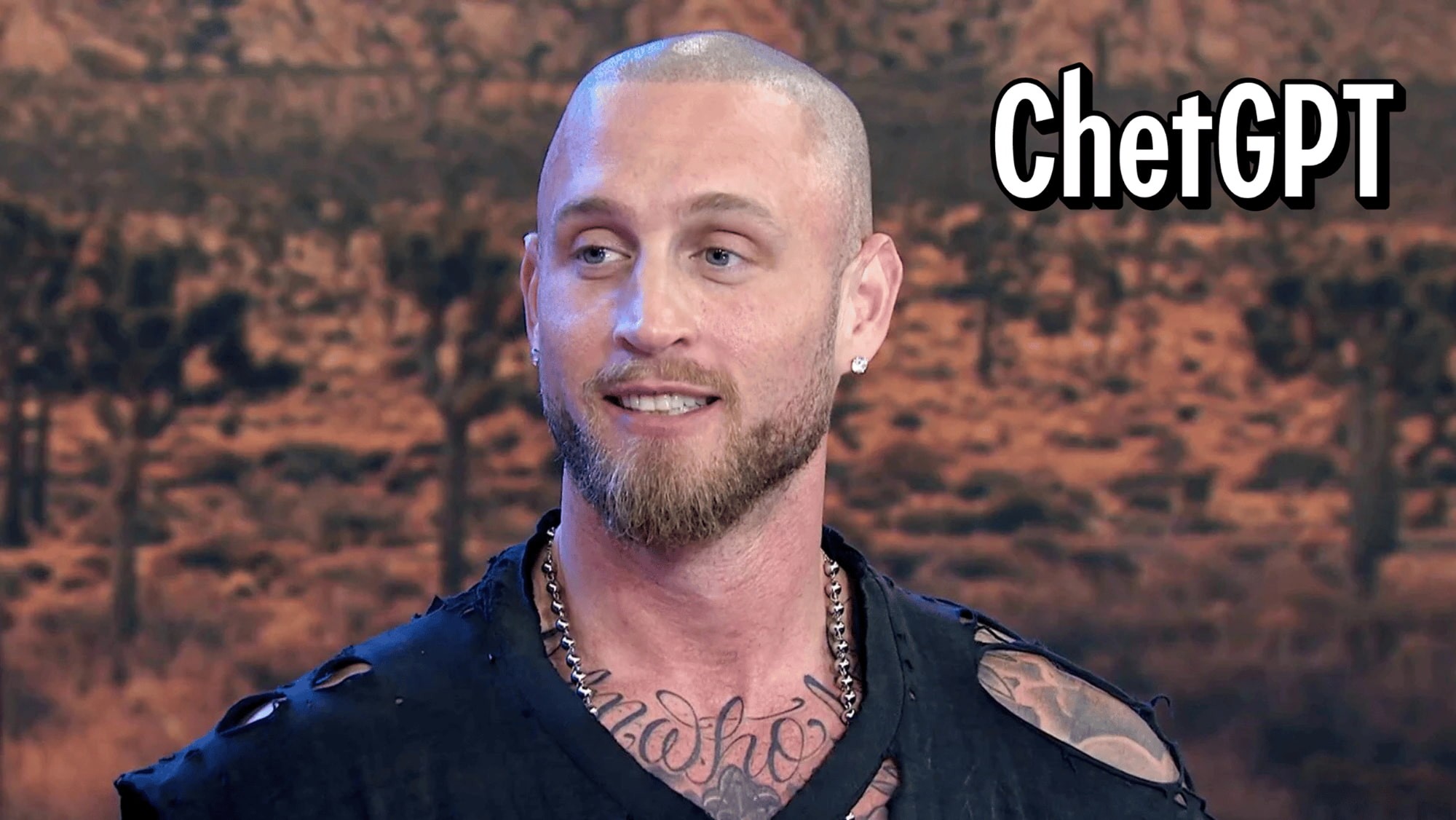
Yes, that is one of Tom Hanks’ sons. Fun fact: Tom appeared in his rap video. Who knew.
2) Keep using AI to find and identify these people.
Once you’ve narrowed your niche, make Chet—I’m sorry, Claude, or Chat, or whomst-ever you use—do your grunt work of finding these people. Deep research and agent mode can get you names and recent news briefings about them in a way that a LinkedIn search alone cannot. (As always, play by LinkedIn’s rules.)
❌ Kill
1) AI comments.
AI commenting is actually a “kill or be killed” thing—as in, if you don’t kill it, LinkedIn is about to anyway. Now, this is ironic, given that the platform itself is the purveyor of really generic AI suggestions like “Great work!”
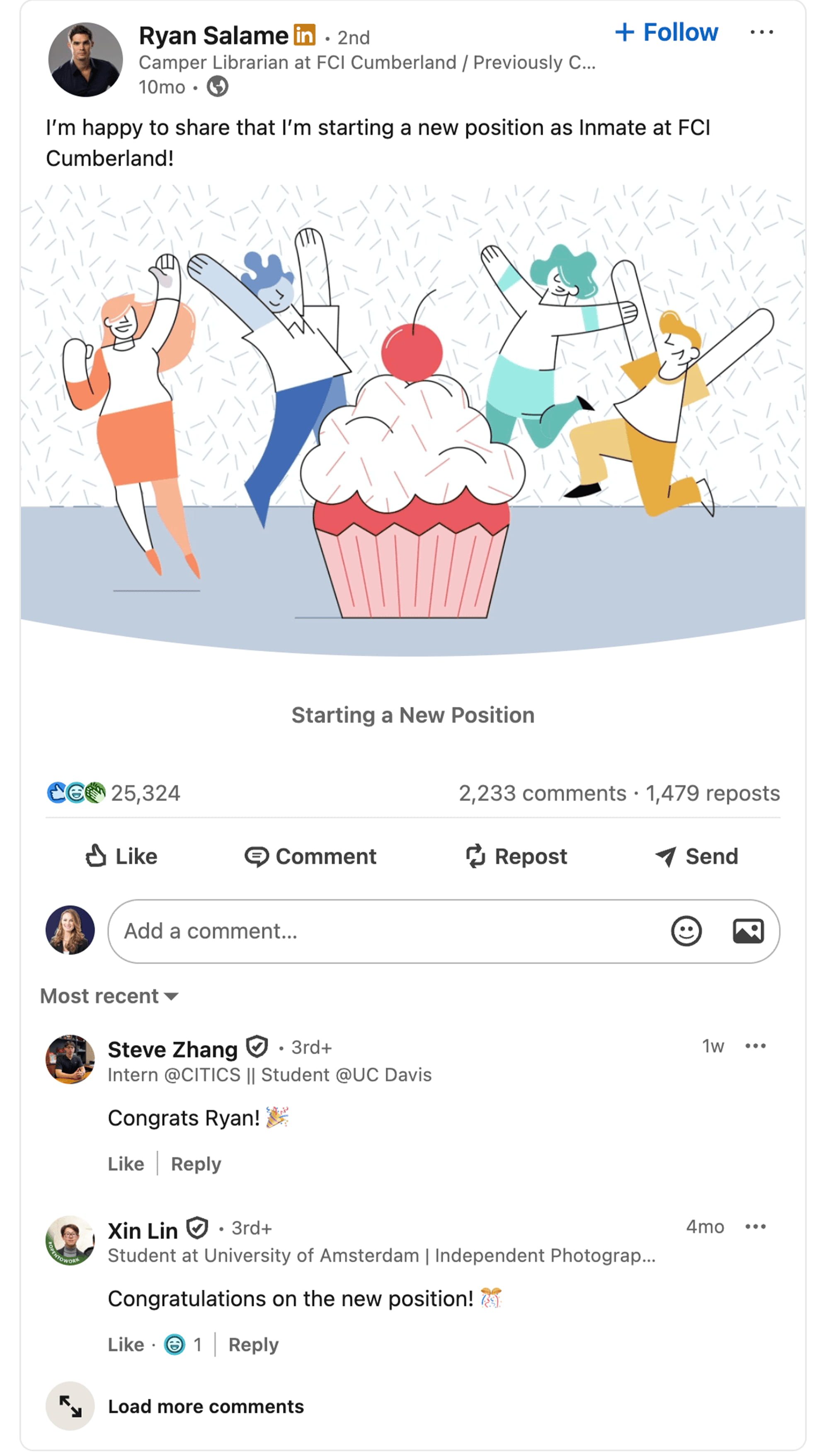
No time was this more palpable than when disgraced FTX exec Ryan Salame posted he got a new job as an inmate at FCI Cumberland, and his status was met with all kinds of praise like “Good luck!” and “Congratulations!” Seriously. You can’t make this stuff up.
Anywhoodles, LinkedIn has updated its documentation to say it may limit how many comments you can make in a given period and—if it detects excessive comment creation or the use of automation tools—it may also limit the visibility of those comments. Translation: mass, botty replies are getting throttled.
What’s even more worrisome? AI commenting isn’t just an issue for the folks making the comments. It can also hurt the posters whose feeds get riddled with AI spam. LinkedIn says it reduces the reach of such activity when detected—so I’ve resorted to blocking chronic AI commenters on my posts so my ship doesn’t go down with it.
💍 Marry
1) Using AI to analyze what makes your content perform.
I love Stanley AI for this and have been using it religiously to identify what people love about my content. I like this tool because it isn’t a content sycophant just wanting to “yes ma’am” my every post. No, no, no—it’s like a data analyst and ruthless content coach that looks at the trend lines from your highest performers and helps you recreate them. Worth the month trial for sure.
2) Using AI to help accelerate your content creation, but not do your content creation.
Here’s the play: use AI to draft, then you come in with the human touch— edit for tone, and add stories and lived experiences. Richard van der Blom’s 2025 Algorithm InSights report (study of 1.8M+ posts) shows the “hybrid” approach beats both AI-only and human-only across reach, engagement, and authenticity from a “amount of time required/engagement standpoint.”
When you actually edit the AI’s draft, posts see about +25% engagement versus untouched AI copy. Go full robo and the platform dings you: ~20% less reach, ~25% lower engagement, and ~25% lower click-throughs for AI-only posts.
If you want an extra nudge, AI-optimized posts can also get up to +15% visibility when paired with native formats like carousels or documents—but only when you’ve layered in your voice.
Source: Richard van der Blom’s Algorithm Insights 2025
TL;DR
Keep: Use AI to sharpen and validate a pain-centric niche, and to research people and context around that niche.
Kill: AI comments. LinkedIn now explicitly says it can cap your comment frequency and limit the visibility of automated or excessive comments; posts flooded with that junk can also get suppressed. (Social Media Today)
Marry: Use AI to analyze why your content works (tools like Stanley), and to accelerate drafts—but keep your voice and experience at the center for best results. (stanley.stan.store)
Bonus context: LinkedIn is pushing video (watch time up ~36% YoY), but the platform is still largely text-driven, and authenticity > automation for performance. (Social Media Today, Noble Intent)