Read Time: 6 minutes
5 LinkedIn Tweaks That Make Organizers See “$10K-Speaker”
Imagine an association program chair frantically scrolling LinkedIn a week before budget is due. She needs a keynote who will wow the board—but she has one tab for speakers “under $10 K” and another for “$10–50 K.” If your profile convinces her you belong in that second tab, congratulations: you just moved into five-figure territory!
LinkedIn is the fastest shortcut to that upgrade. With 1 billion+ members and 65 million decision-makers (4 out of 5 users influence buying), it’s the only social platform where the person who signs the check is almost guaranteed to be lurking. And because 93 % of B2B marketers already use LinkedIn as their primary content hub, the meeting-planning crowd is conditioned to vet speakers there first.
Below are five profile tweaks, plus a few bonus plays, that flip the mental switch from “nice webinar guest” to “budget for this speaker or bust.”
1. Turn Your Banner Into a Rotating Mini-Billboard
LinkedIn quietly rolled out a Dynamic Cover Image feature for Premium Business subscribers that lets you upload up to five rotating header graphics.
Use that real estate to:
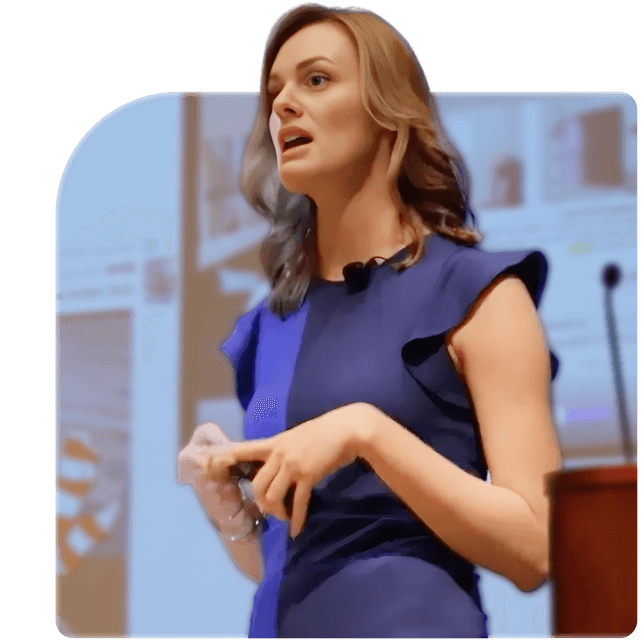
Spotlight a stage shot or book cover: Visual proof you belong on a platform.
But keep text minimal: The carousel advances automatically, so busy slides become a blur.
Sequence a story: Slide 1—signature talk title. Slide 2—crowd reaction photo. Slide 3—book or media logo. By frame three, the planner sees dollar signs.
Pro tip: center any text or faces so they’re mobile-safe, and stick to your brand palette so the rotation feels cohesive rather than chaotic. We don’t want this to be a Cheesecake Factory menu; we want it to be visually clear and compelling! Simplicity breeds action. Too much creates buyer paralysis.
2. Give Your Headline a “Sold-Out Cred” Bump
“Keynote Speaker | Corporate Trainer” is table stakes. Add a third-party proof point like “Rated #1 Session at IBS 2024” or “Sold-Out Workshop for SHRM.” Forbes calls this earned trust—the psychological shortcut that lets buyers pay a premium when an outside source vouches for you. This also builds an expectation into a planner’s mind that you do this as a living, are vetted, and therefore your price points are substantiated.
Formatting recipe:
Keynote Speaker | Author of <Book Title> | #1 Rated Session at International Builders’ Show 2024
Notice the verbs: Author, Rated. They’re quantifiable and invite curiosity, which earns you a click into the rest of the profile where the real persuasion happens.
3. Treat Your Featured Section Like a Digital Media Kit
Your Featured tiles are the virtual storefront windows.
Stock them with:
Speaker reel (90-seconds max).
One-sheet PDF: talk titles, outcomes, past clients, fee range.
Signature talk carousel: three-slide LinkedIn document spelling out the transformation you deliver.
High-resolution headshots organizers can yank for their event page.
Because 4-in-5 leads on social originate from LinkedIn, you want the buyer to find every asset without emailing you (or worse, moving on to the next profile).
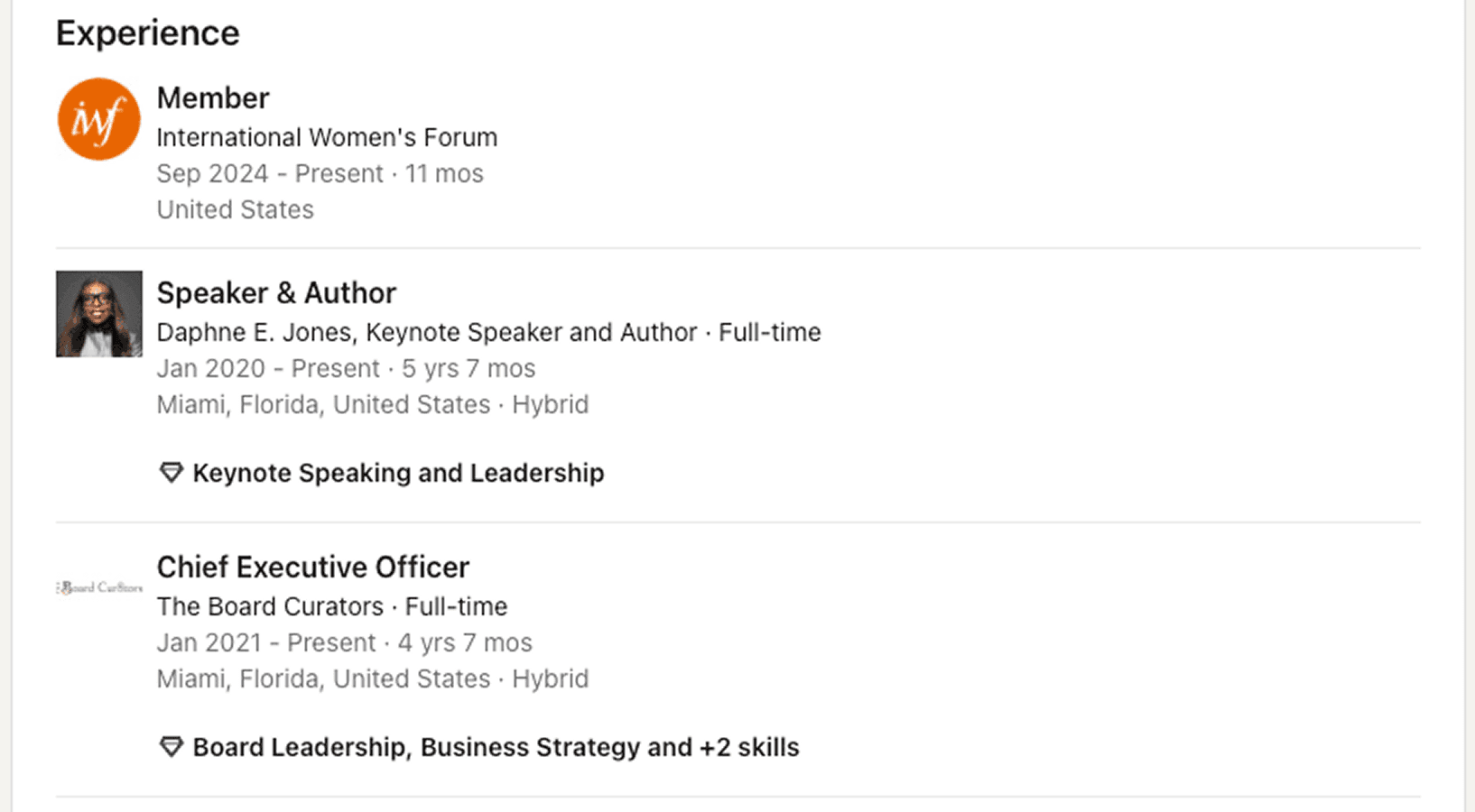
4. Create a Stand-Alone “Company” for Your Speaking Business
If speaking is more than 25 % of revenue, break it out:
New Company Page: “ Keynote & Workshops.” (example below)
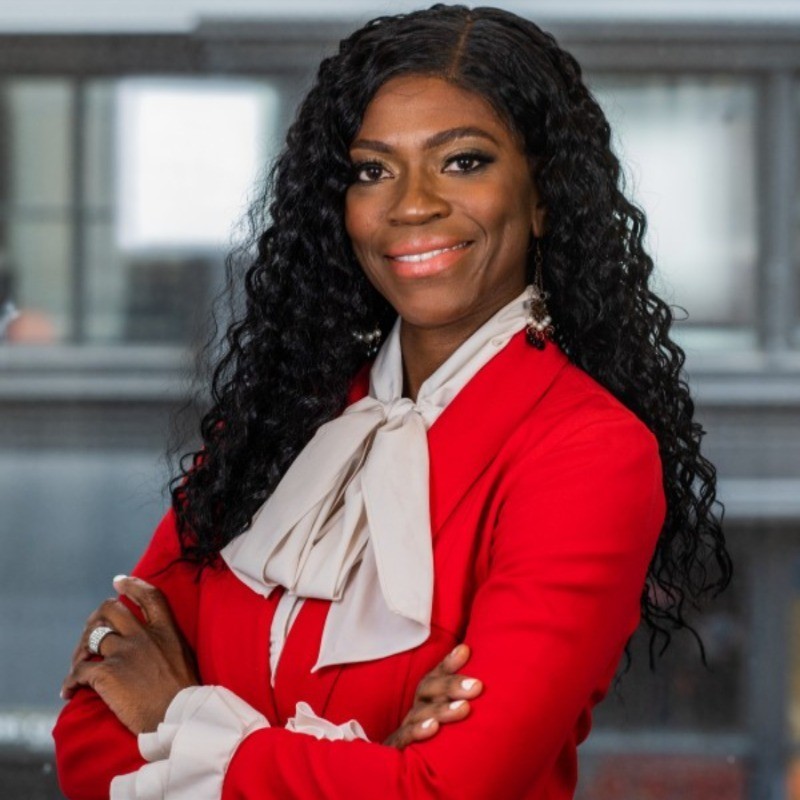
Logo: Include your headshot here - you are the product after all
Experience Line: title yourself “Founder & Keynote Speaker,” then list each signature talk under the media gallery with a thumbnail and 75-character punchy summary.
Separating the entity prevents your $25 K keynote from being compared to your $5 K strategy day. Different line item, different mental budget.
5. Engineer Recommendations That Tell a Before-After-Bridge Story
LinkedIn recommendations are the platform’s built-in testimonials—and testimonials can increase willingness to pay by up to 38 % according to pricing-tier research.
How to get gold-standard recs:
Email a template with three guiding prompts: the problem, your delivery, the measurable after.
Include the direct profile link; many clients don’t know how to leave a rec.
Follow up twice—people are busy.
Example you can swipe:
“We brought Kait in to demystify personal branding for 300 engineers. Within 4 hours, every attendee left with a three-step LinkedIn plan; post-event survey scores hit 9.6/10, our highest this decade.”
That level of specificity screams ROI and justifies the extra zero.
Three Quick Bonus Plays to Seal the Deal
Pin an upcoming event.
LinkedIn’s native Events tool lets you create a public listing even for closed-door keynotes. Pinning that event in your Featured section gives planners instant proof you’re currently booking—and a peek at how many professionals are signing up to see you.
Add a “Book Me” URL.
Fewer clicks equal faster conversions. Drop a Calendly link or speaker-intake form into the “Website” field of your intro card and label it “🗓 Book Kait.” When organizers can slot a 15-minute discovery call without back-and-forth, you win deals while competitors are still emailing available dates.
Publish short video snippets of talks.
Metricool’s 2025 LinkedIn study shows video impressions up 73 percent and views up 52 percent year-over-year. Post a 30-second burst—audience laughter, interactive moment, mic-drop close—plus a line of context and a link to your reel. It’s a live demo that plays 24/7 on the planner’s feed.
Bringing It Home
Event organizers aren’t just comparing content—they’re comparing perceived risk (Remember the old saying, “No one ever got fired for hiring IBM?” That applies here). When your LinkedIn profile:
Visually shows you on stage,
Signals third-party credibility in the headline,
Serves up ready-to-go media assets,
Separates speaking from consulting noise, and
Backs it all with concrete social proof,
you reduce that risk to nearly zero. And in a market where the average keynote fee reported by speakers hovers around $14 K but planners budget up to $50 K, the difference between a $7 K gig and a $20 K one is often the polish of a LinkedIn profile.
So block two hours on your calendar this week. Run through these five tweaks. Then raise your rate, because your profile will finally match the value you deliver from the stage.